What Can I Make With These Ingredients?
Your fridge doesn't need an upgrade — it needs a photo. Snap what's inside and PanSnap decides tonight's dinner: a full menu with exact steps and step photos, delivered as a recipe book you keep.
2,000 free credits on signup · No card required
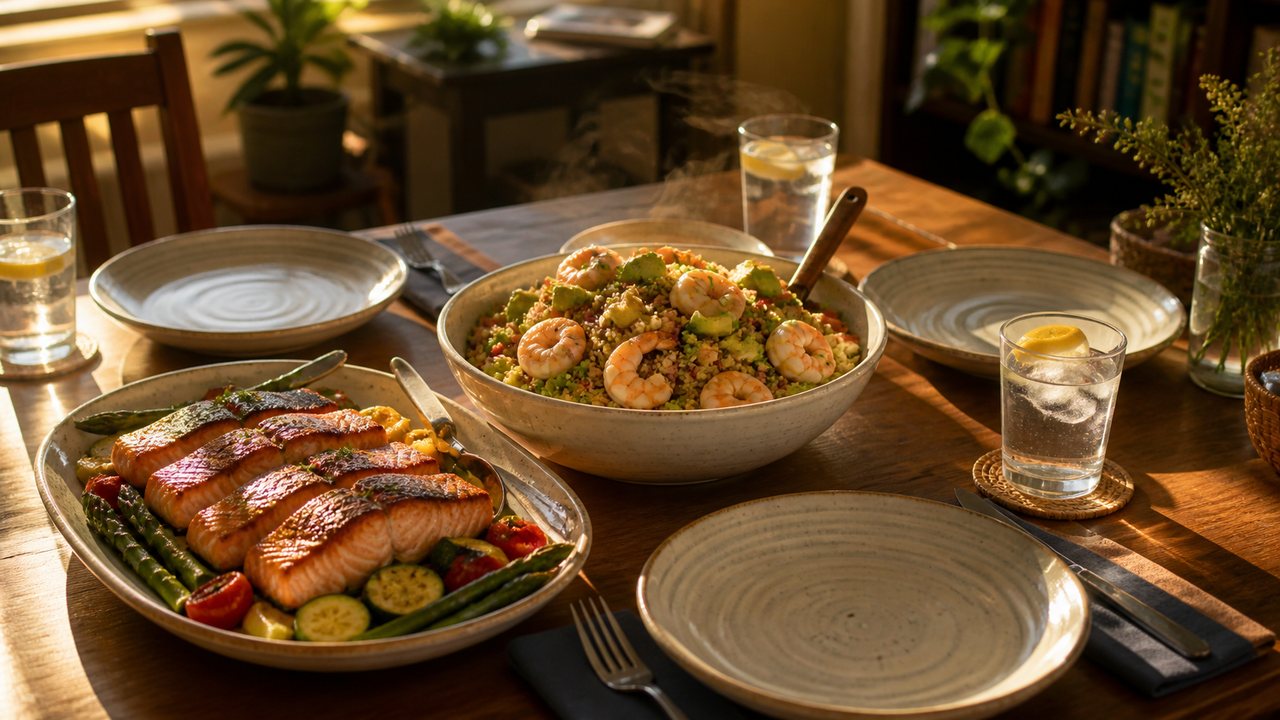
🧊 What's in your fridge tonight?
Snap a photo or type what you have — your first menu is free, no account needed.
↑ Example ingredients: click the box to cook from text instead, or edit them to match your fridge.
Free · no credit card · no signup required
Customise (optional)Sensible defaults already applied
Three steps to dinner
From “what's for dinner?” to plating up in about two minutes of tapping.
1
Snap or type
One photo of your fridge shelf, or type the odds and ends you want to use up.
2
Set preferences
How many people, how spicy, any allergies — tell the chef once.
3
Get your recipe book
Watch images paint in live, then read, cook and share your paginated recipe book.
From fridge photo to recipe book
PanSnap recognizes your ingredients, respects your taste, and turns them into a cookable plan — not just a list of ideas.
1 · What you have
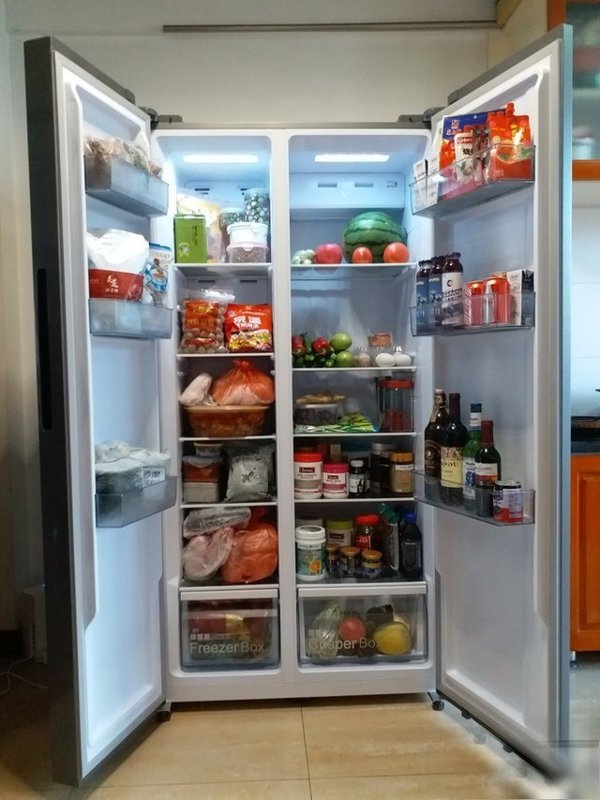
“2 eggs, half an onion, tomatoes, leftover rice...” — a photo works too
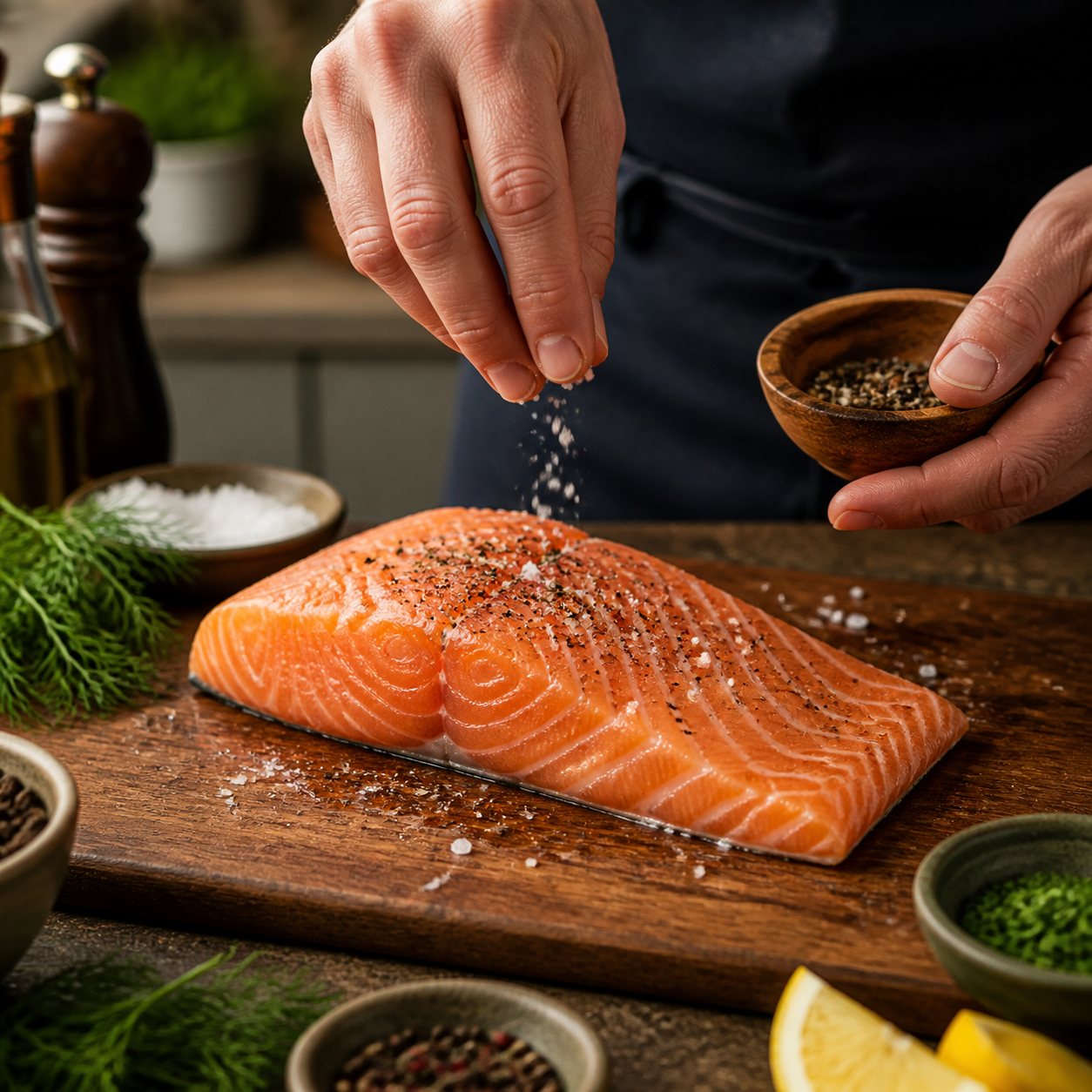
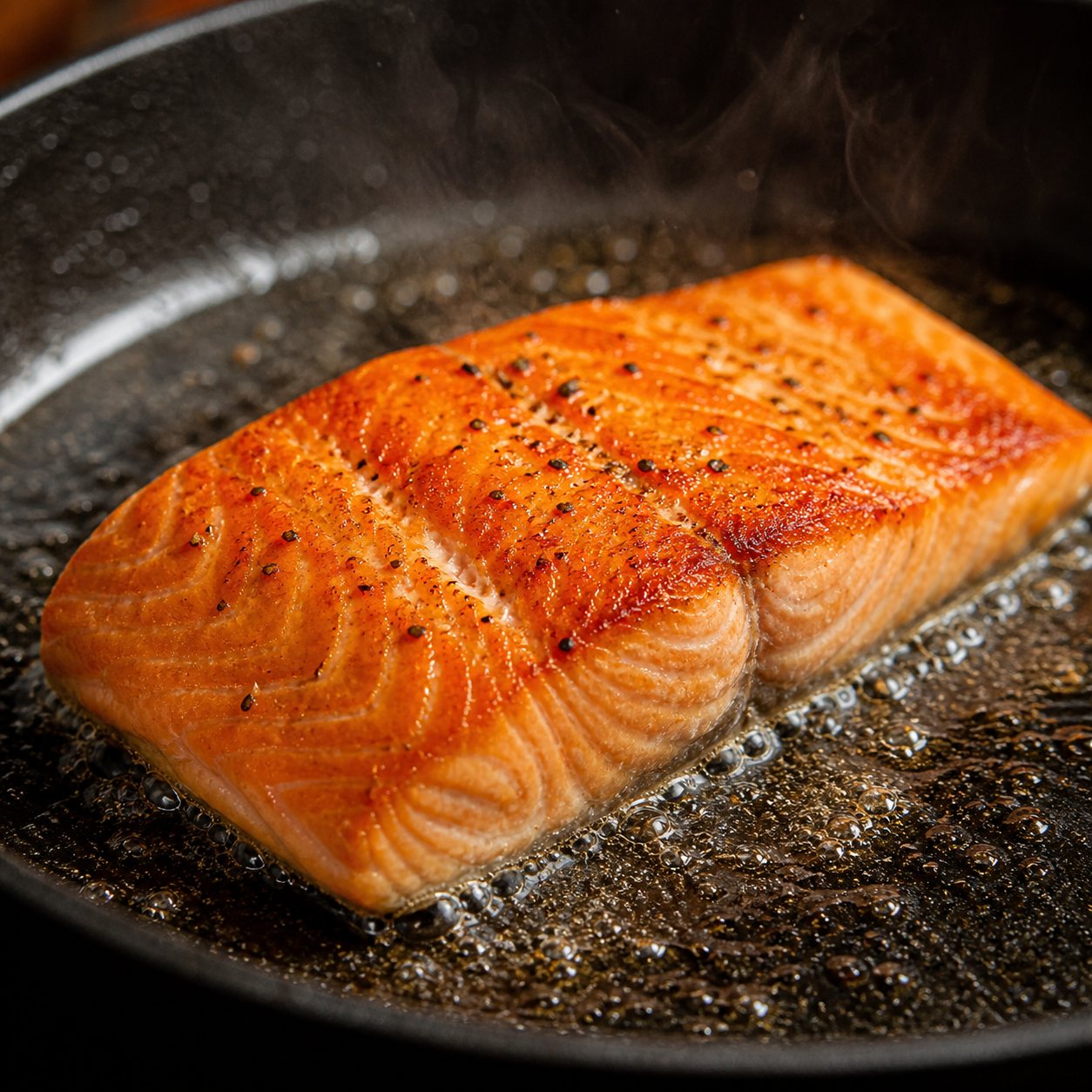
Real menus, generated from real fridges
Real ingredients in, an illustrated recipe book out — all generated by AI.
One photo of your fridge or pantry. The AI reads the ingredients — even the half-used jar in the back.
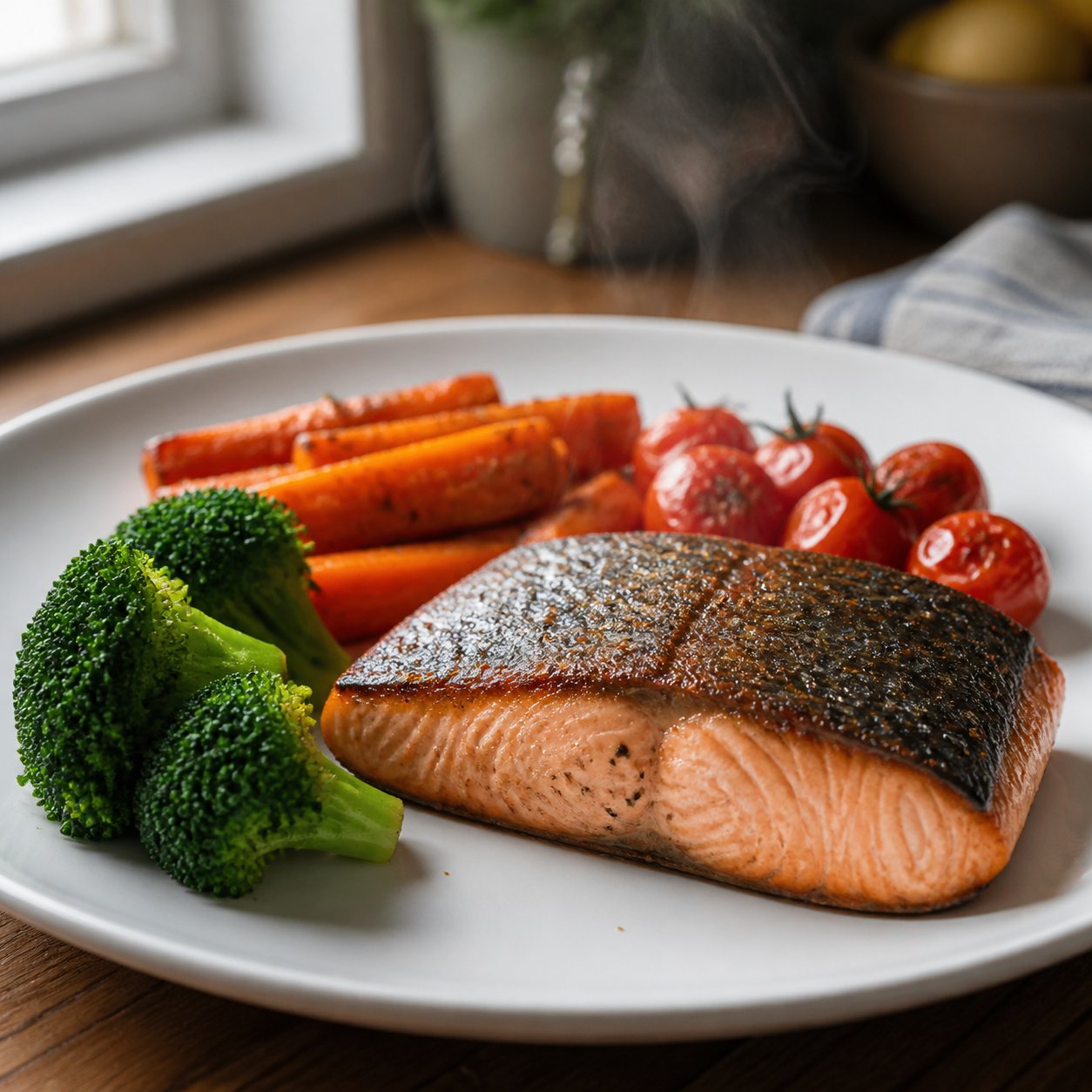
A complete dinner menu built from YOUR ingredients: mains, sides, quantities scaled to your table.
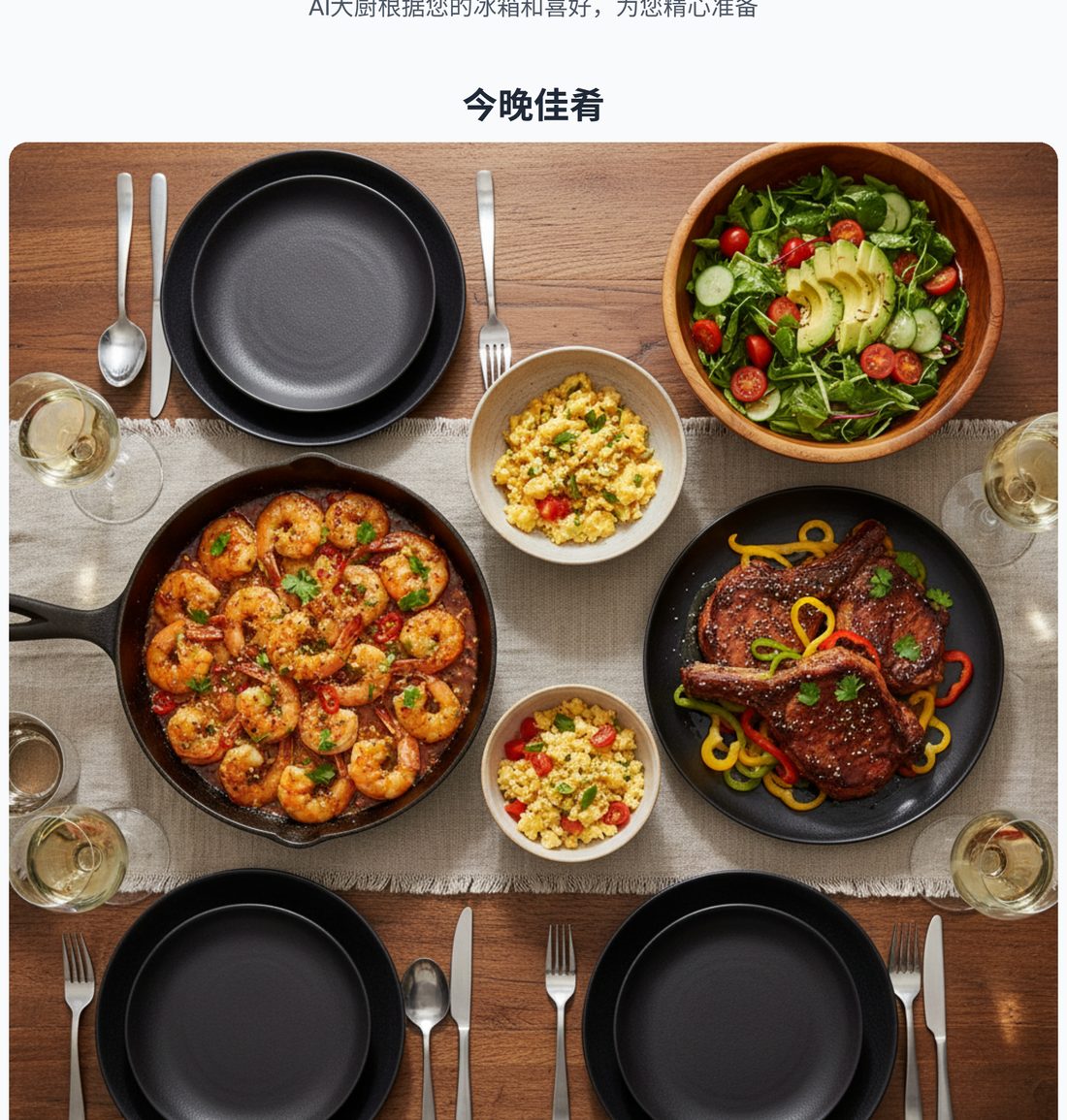
Every dish illustrated, with shopping list and step-by-step instructions — exported as a cookbook.
More ways to generate recipes
Two focused tools for different moments — when you know what is in your fridge, and when you have no idea what to cook.
Recipe Generator from Ingredients
Type what you have and get a complete dinner menu with recipes, a shopping list and step photos.
Random Recipe Generator
Let AI pick the ingredients and surprise you with a menu you would never have planned yourself.
SuperCook alternative
How SuperCook and PanSnap differ, which one fits how you cook, and when SuperCook is the better choice.
Everything you need to get dinner done
Your fridge. Your menu. Done in minutes.
Photo or list, both work
Snap your fridge shelf or type a few ingredients. The AI sees what you see.
A complete dinner menu
Dishes chosen to work together as one meal, sized to your diner count.
Consolidated shopping list
Every ingredient across all dishes, with quantities — seasonings separated from fresh picks.
Step-by-step guidance
Clear numbered steps in plain language. Full tier adds a photo per step.
Recipe book you can keep
Paginated like a real cookbook. Export as PNG pages, share to family chat in one tap.
Your table, your rules
Taste, dietary needs, picky kids, 30-minute limits — set it once, every menu obeys.
Frequently asked questions
Everything you might wonder before your first menu.
Tonight's dinner is already in your fridge
Grab your phone, open the fridge, take one photo. PanSnap handles the rest.
Create my free menu2,000 free credits · No card required