Recipe Book Generator: Turn Your Recipes Into a Beautiful Cookbook
Create a custom recipe book with AI-generated menus, step-by-step photos, and professional layout. Perfect for meal planning, gifts, or preserving family recipes. Free to start.
 PanSnap Team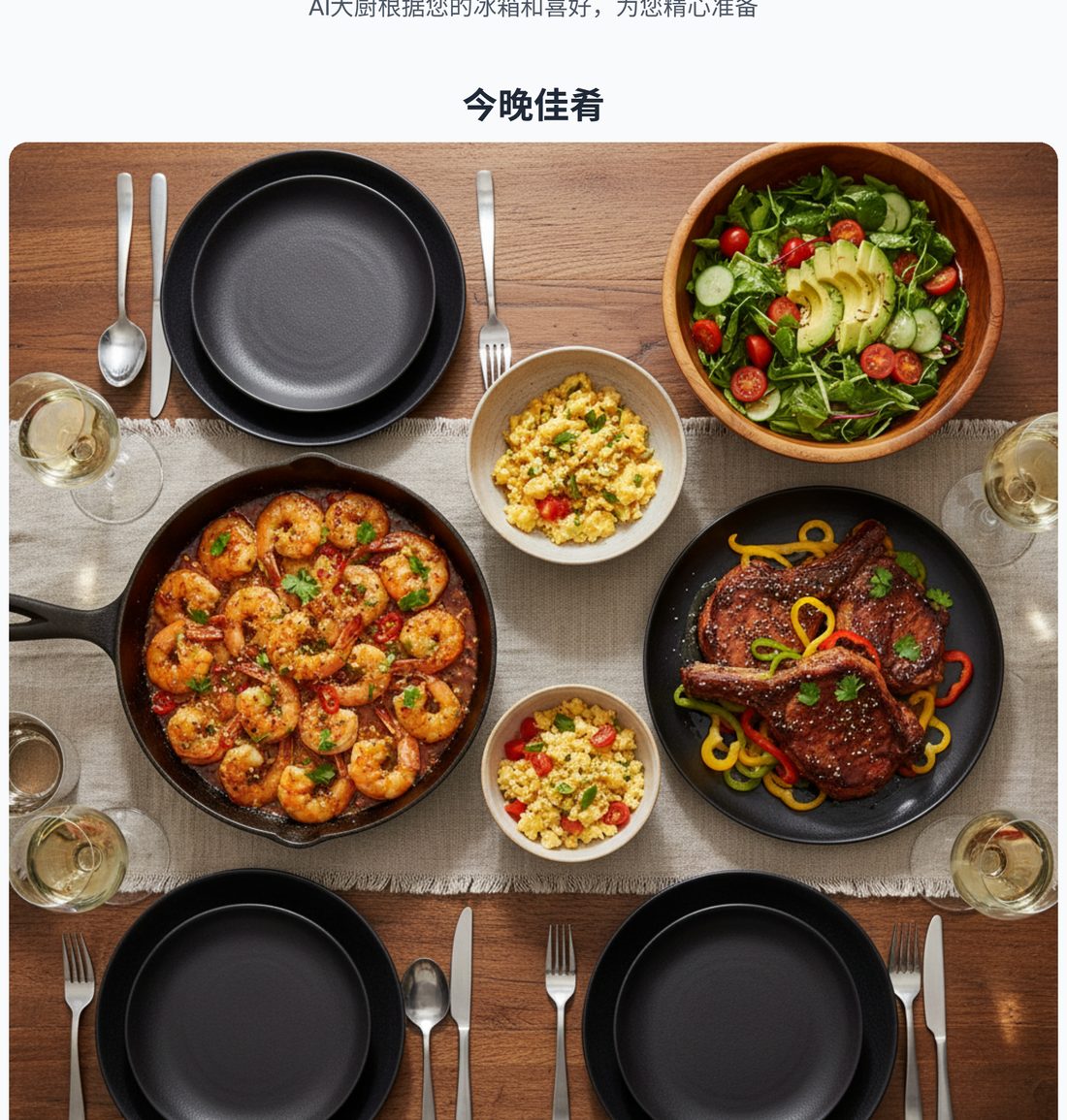
A recipe book generator transforms loose recipes into a formatted, shareable cookbook. Whether you're compiling family recipes, documenting your cooking experiments, or just want your favorite meals in one place, a recipe book generator handles the layout, photos, and packaging so you don't have to wrestle with design software.
What is a recipe book generator?
A recipe book generator takes recipe content (ingredients, instructions, photos) and outputs a formatted recipe book — typically as a PDF you can print, share, or save digitally.
Modern AI-powered generators go further: they can create the recipes themselves from your ingredients, generate step-by-step cooking photos, design the layout, and produce a multi-page cookbook in minutes rather than days.
Why use a recipe book generator?
1. Meal planning made visual
A recipe book for the week ahead is easier to follow than scattered notes or bookmarked websites. Print it, stick it on the fridge, and everyone knows what's for dinner.
2. Gift-worthy cookbooks
Compile family recipes, vacation meal memories, or a themed collection (e.g., "30 Dinners from Our Garden") and print a physical copy as a gift.
3. Preserving family recipes
Grandma's handwritten recipe cards fade. A generated recipe book digitizes them in a readable, shareable format that survives generations.
4. Documenting your cooking
If you experiment in the kitchen, a recipe book generator captures your creations before you forget the exact steps.
5. Event planning
Hosting Thanksgiving? Generate a recipe book with the full menu, shopping list, and timeline. Everyone cooking knows their role.
How PanSnap's recipe book generator works
Unlike traditional recipe book creators that require you to bring your own recipes, PanSnap generates both the recipes and the book:
- Input your ingredients (photo or text) + preferences (servings, cuisine, dietary needs)
- AI generates a complete menu (3-5 coordinated dishes)
- Step-by-step photos are created for each recipe (optional, on the full tier)
- Recipe book is automatically designed with:
- Cover page with menu overview
- Shopping list (organized by category: produce, protein, pantry)
- Individual recipe pages with ingredients, instructions, and photos
- Professional 3:4 portrait layout optimized for printing
- Download as PDF — ready to print, share, or save
The entire process takes 2-5 minutes from fridge photo to finished recipe book.
Recipe book generator vs cookbook templates
| Feature | Traditional templates | PanSnap recipe book generator |
|---|---|---|
| Recipe creation | You write them | AI generates from your ingredients |
| Photos | You photograph each step | AI generates cooking photos |
| Layout design | You arrange pages | Auto-formatted, print-ready |
| Shopping list | You compile it | Auto-generated with categories |
| Time investment | Hours to days | 2-5 minutes |
| Output | Editable document | Download-ready PDF |
Best uses for a recipe book generator
1. Weekly meal prep
Generate a recipe book every Sunday for the week ahead. Print it, and everyone in the household knows:
- What's for dinner each night
- What ingredients to buy
- Step-by-step instructions if you're not home to cook
2. Special occasion menus
Hosting a dinner party, holiday meal, or birthday celebration? Generate a recipe book with the full menu so you're not juggling tabs or handwritten notes while cooking.
3. Dietary-specific cookbooks
Compile a "Keto Dinners" or "Nut-Free Family Meals" recipe book by generating menus around those constraints and saving the books as a collection.
4. Recipe journaling
Keep a digital library of every meal you've made. Over time, you build a personal cookbook that reflects what you actually cook, not aspirational recipes you'll never make.
5. Gifts
Generate a custom recipe book for someone's dietary needs or taste preferences, print it, and give it as a thoughtful gift. Much more personal than a store-bought cookbook.
What to look for in a recipe book generator
✅ Professional layout: Pages should look designed, not like raw text dumps
✅ Print-friendly format: PDF output optimized for home printers or print-on-demand services
✅ Ingredient organization: Shopping lists grouped by category (produce, protein, pantry) are easier to follow
✅ Photo support: Step-by-step cooking photos make recipes easier to execute
✅ Customization: Ability to set servings, dietary needs, cuisine preferences before generation
✅ Downloadable output: You own the file — no subscription required to access your own recipe books
PanSnap recipe book generator features
- AI-generated menus: Start from your ingredients or let the AI surprise you
- Step-by-step photos: Each recipe includes illustrated cooking steps (on full tier)
- Organized shopping list: Categorized by produce, protein, pantry for efficient grocery runs
- 3:4 portrait layout: Optimized for printing or viewing on tablets propped in the kitchen
- No design work required: The book is formatted automatically — you just download the PDF
- Save forever: Your recipe books are yours to keep, print, or share
How to create your first recipe book
- Go to PanSnap's create page: Start here
- Input your ingredients: Snap a fridge photo or type what you have
- Set preferences: Servings, cuisine, dietary needs
- Generate menu: The AI creates 3-5 coordinated recipes
- Download your recipe book: PDF is ready immediately
Your first 2,000 credits are free (enough for 3-10 recipe books depending on tier).
Recipe book generator FAQ
Q: Can I edit the generated recipes before creating the book?
A: The current version outputs a finalized PDF. If you need changes, generate a new menu with adjusted preferences upfront.
Q: What file format is the recipe book?
A: PDF, optimized for printing on standard home printers (portrait orientation).
Q: Can I share my recipe books?
A: Yes. The PDF is yours — email it, print copies, or post it online. No DRM restrictions.
Q: How many recipes are in each book?
A: 3-5 main dishes per menu, plus a shopping list and cover page. Typically 8-15 pages total.
Q: Can I use this to preserve family recipes?
A: Yes, but you'll need to input those recipes as ingredient lists + preferences. PanSnap generates new recipes based on your input rather than formatting existing ones.
Q: Is there a limit to how many recipe books I can create?
A: Each book costs credits (200 for analysis + 100 per illustrated recipe). Free tier gives you 2,000 credits. Paid tiers are one-time credit packs (never expire).
Try the recipe book generator
Ready to turn tonight's ingredients into a formatted recipe book?
Create your first recipe book →
No card required. Your first 2,000 credits are free.