SuperCook Review (2026): Still Worth Using?
An honest SuperCook review from people who build a competing tool. What it does genuinely well, where it stops helping, who should use it, and who should not bother.
 PanSnap Team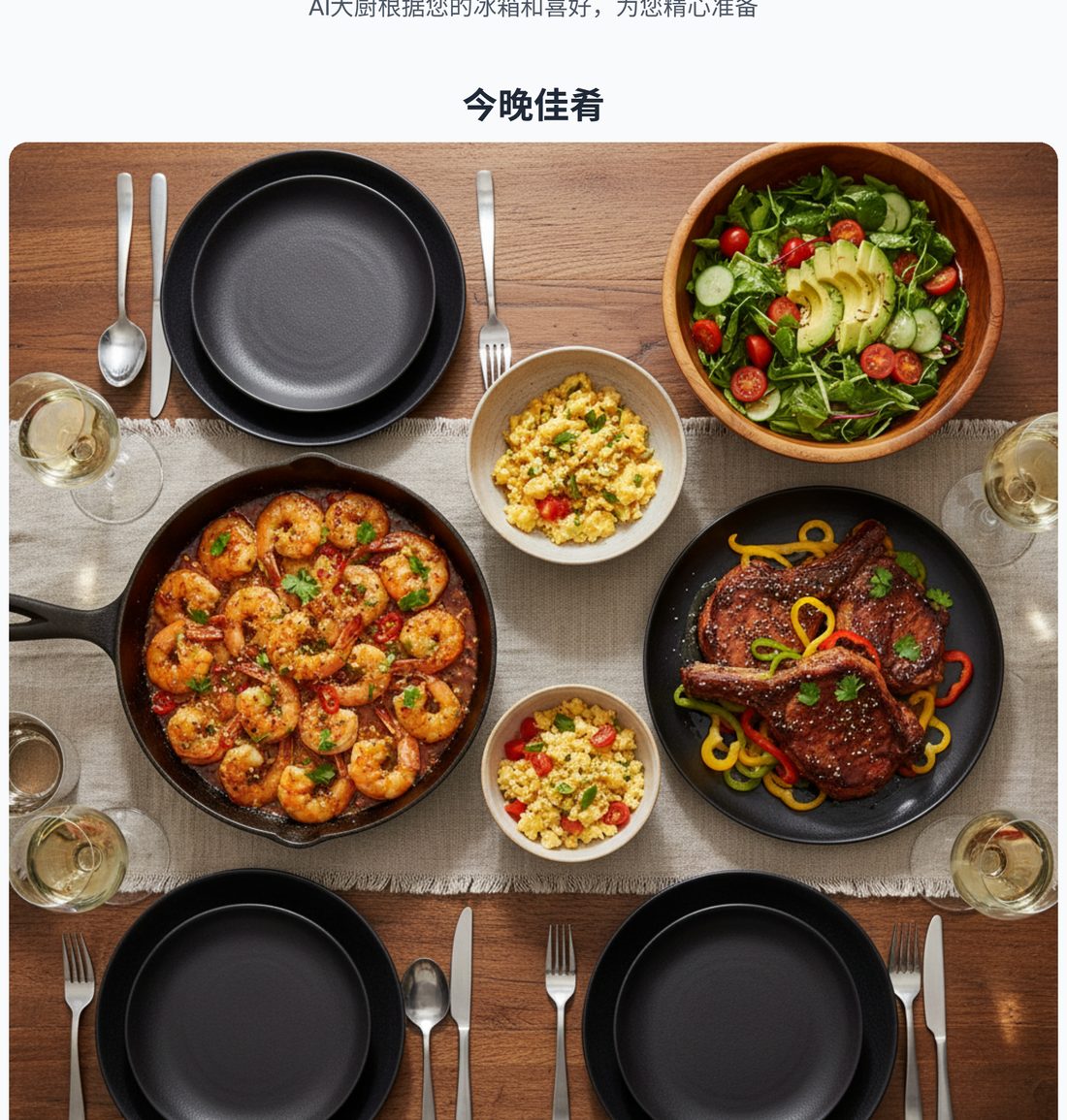
Verdict: SuperCook is the best free tool for finding out what you can cook from what you have, and we say that as people who build a competing product. It is also a tool that stops exactly where most people's problem starts.
That second sentence is not a sales line. It is the reason a competing product can exist at all, and this review explains precisely where the seam is.
Disclosure: this review is written by the PanSnap team. We compete with SuperCook. We have tried to be accurate and to state plainly where SuperCook is better than us — if we get a fact wrong, that is a mistake, not a strategy.
What SuperCook is
SuperCook is a free web and mobile tool that takes the ingredients you already have and returns recipes you can make with them. You build an inventory by ticking items from category lists, and it filters a very large recipe database down to matches.
It has been around for years, it is free, and it is supported by advertising. It has iOS and Android apps in addition to the website.
What it does genuinely well
The database is large, and it matters
SuperCook indexes recipes from a very large number of sources. In practice this means an unusual ingredient combination still returns results. Most smaller ingredient-matching tools fail here: add something niche and you get an empty page. SuperCook almost always finds something.
The "ignore staples" toggle
This is the single most useful setting on the site and it is easy to miss. By default, ingredient matchers behave as if you are out of salt, pepper, and oil, which skews every result toward recipes you cannot actually make. Turn it on and the matches become meaningfully better.
If you take one thing from this review: go find that toggle.
Filtering by what you are missing
SuperCook lets you filter to recipes that are missing only a small number of ingredients. This is the difference between "technically possible" and "actually cookable tonight", and very few competitors do it as well. Combined with cook-time and dietary filters, the narrowing is genuinely good.
It is free and it has apps
No paywall, no account required, and native apps on both platforms. Being able to check your kitchen from your phone while standing in it sounds trivial and is not.
Where it stops helping
It answers the wrong half of the question
SuperCook answers "what could I make?" Most people at 6pm are asking "what should I make?"
Those are different problems, and only the first one is solved by returning a list. If you have twenty matching recipes and you are still standing there, the tool has not failed at its job — it has succeeded at a job that was not the whole problem.
The results vary wildly in quality
Recipes are aggregated from across the web, which means two entries in the same list can be completely different in clarity. One is a crisp, tested page. The next is 2,000 words of preamble with the method buried in paragraph nine. SuperCook cannot rank by clarity because it does not know how clear a recipe is — it only knows the ingredients match.
Nothing coordinates
Pick a main course and you are on your own for a side. Nothing tells you whether two chicken breasts feeds four. Nothing plans a meal; it lists recipes. For an experienced cook that is fine. For anyone who wants dinner sorted, it means the hard part is still ahead.
No portion or step guidance
You get a link to somebody else's recipe. Whether that page gives you portions, timings, and photographs of the tricky stages is entirely down to whoever wrote it.
Who SuperCook is right for
Be honest about which of these you are:
It is probably right for you if you already know how to cook and want a memory jog ("oh right, I have chickpeas"), you enjoy browsing options and picking yourself, or you want a free tool with a very big database and you do not mind working through a list.
It is probably not right for you if the problem is deciding rather than finding; if you want portions and step-by-step guidance rather than a link; if you want a main and a side that are planned to go together; or if you want an output you can keep, print, or share.
That second group is not a small group. It is most of the reason "what's for dinner" is a hard question — and it is the gap newer tools are built to fill.
How it compares
| SuperCook | MyFridgeFood | Decision-first tools (e.g. PanSnap) | |
|---|---|---|---|
| Recipe source | Huge aggregated database | Smaller curated set | Generated per request |
| Human-tested recipes | Yes, mostly | Yes | No — this is the real trade-off |
| Portion guidance | No | No | Yes |
| Step-by-step with images | No | No | Yes |
| Planned as a whole meal | No | No | Yes |
| Output | A list of links | A list of links | A paginated recipe book |
| Cost | Free | Free | Free to start, credits for heavier use |
| Apps | iOS + Android | Web-first | Web-first |
Two comparisons worth spelling out:
MyFridgeFood is the closest free equivalent — same checkbox idea, smaller database. If you like the concept but find SuperCook cluttered, it is worth a look. It does not change the shape of the help, though.
Decision-first tools (including ours) trade away the thing SuperCook is best at. We do not have a database of millions of human-tested recipes; we generate menus. That means SuperCook's recipes have generally been cooked by real people and corrected, and ours have not. That is a genuine advantage for SuperCook and it is why "replace SuperCook" is the wrong framing.
The right framing is that they finish different halves of the evening.
The bottom line
SuperCook remains the best free answer to "what can I make with this?" Ten years of aggregation is not easily beaten, and the missing-ingredients filter plus the staples toggle make it more useful than most people realise.
It is also a tool that leaves the last mile to you. If the last mile is the part you enjoy, use it and ignore everything else on this page. If the last mile is the part you keep failing, that is a different product category, and it is fair to want one of those instead.
Frequently asked questions
Is SuperCook free?
Yes. It is free and ad-supported, with no account required to use the core ingredient-matching feature. There is also a premium mobile app tier that removes ads.
Does SuperCook have an app?
Yes, on iOS and Android. That is a real convenience advantage over web-only alternatives.
Is SuperCook accurate?
The matching is accurate — if you tick what you have, it reliably finds recipes using those ingredients. What varies is the quality of the underlying recipe pages, because they come from across the web and are not ranked by clarity or testing.
SuperCook or MyFridgeFood?
SuperCook for coverage and filters; MyFridgeFood if you find SuperCook's result volume overwhelming. They are the same category of tool, so switching between them changes the interface rather than the experience. There is a fuller comparison in MyFridgeFood vs SuperCook.
What is the best SuperCook alternative?
It depends which part fails. If you want a different interface, MyFridgeFood. If manual entry is the blocker, something that syncs to your grocery purchases. If the problem is deciding, a tool that returns one menu rather than twenty recipes. We covered the whole field in SuperCook alternatives, compared.
Should I stop using SuperCook?
Only if a specific thing is failing. If you browse, pick, and cook successfully, changing tools would be solving a problem you do not have. The honest test is what happens after the list appears — if you cook, keep it.